For romance readers
How to Export Your Goodreads Data Before You Lose It
Years of reading history live in someone else's database. Here's how to get a copy you own — and bring it home intact.
Import your library — free →I didn't set out to build a book tracker. My wife did.
She's the romance reader in our house — her library is past two thousand books now. And when I talk to readers about switching trackers, the first thing they bring up usually isn't a feature. It's some version of: "I have years of reading history in Goodreads and I don't want to lose it."
So here's the honest, step-by-step answer — for Goodreads and StoryGraph — whether you end up using SS Book Tracker or not.
Why export your Goodreads data at all?
Because right now your reading history only exists in one place, and it's not a place you control. Accounts get locked. Apps change. You decide to try something else. A CSV export is a backup that lives on your computer — it takes a couple of minutes, and you'll never regret having it.
How do I export my Goodreads library?
Use the Goodreads website on a computer:
- Go to My Books.
- In the left sidebar, under Tools, click Import and export.
- Click Export Library.
- Wait for Goodreads to build the file, then click the download link that appears. You'll get a .csv file.
Save that file somewhere you'll find it again. That's your library — titles, authors, your ratings, your shelves, your reviews, and your read dates.
How do I export my StoryGraph library?
StoryGraph has an export too — it works a little differently:
- Click your profile, then open Manage Account.
- Scroll to the bottom and click Export StoryGraph Library, then Generate export.
- StoryGraph emails you the .csv when it's ready — it's not an instant download, so give it a minute and check your inbox.
Same idea: a file you own, with your ratings, reviews, and read dates in it.
Tip: do the export even if you're not leaving. A backup you never use costs nothing.
Where can I import my Goodreads export and keep everything?
An export is only half the job. The other half is bringing it somewhere that actually reads it — not somewhere that drops your shelves or flattens your ratings.
This is the part I cared about most when I built SS Book Tracker. You upload your Goodreads or StoryGraph CSV and it keeps everything:
- Your shelves — what you've read, what you're reading, and your TBR.
- Your star ratings — and from here on you can use half-stars.
- Your reviews.
- Your read dates — your whole reading history, not just the titles.
It also dedupes as it imports and fills in book details, so you don't end up with three copies of the same book or a wall of blank covers.
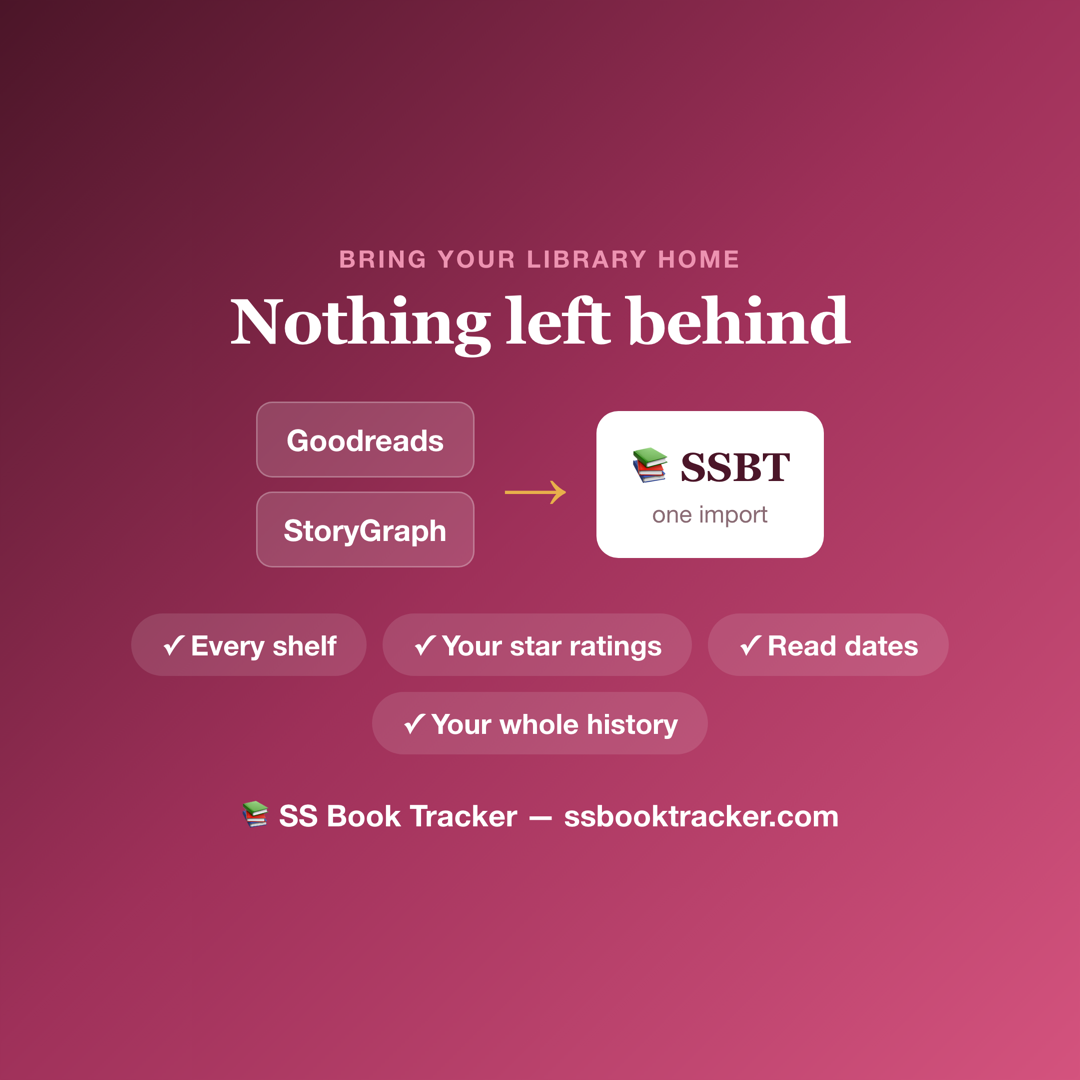
You're not starting over. You're bringing your library home.
What do you get once your library is home?
Once her books were in, my wife got the things Goodreads never gave her as a romance reader:
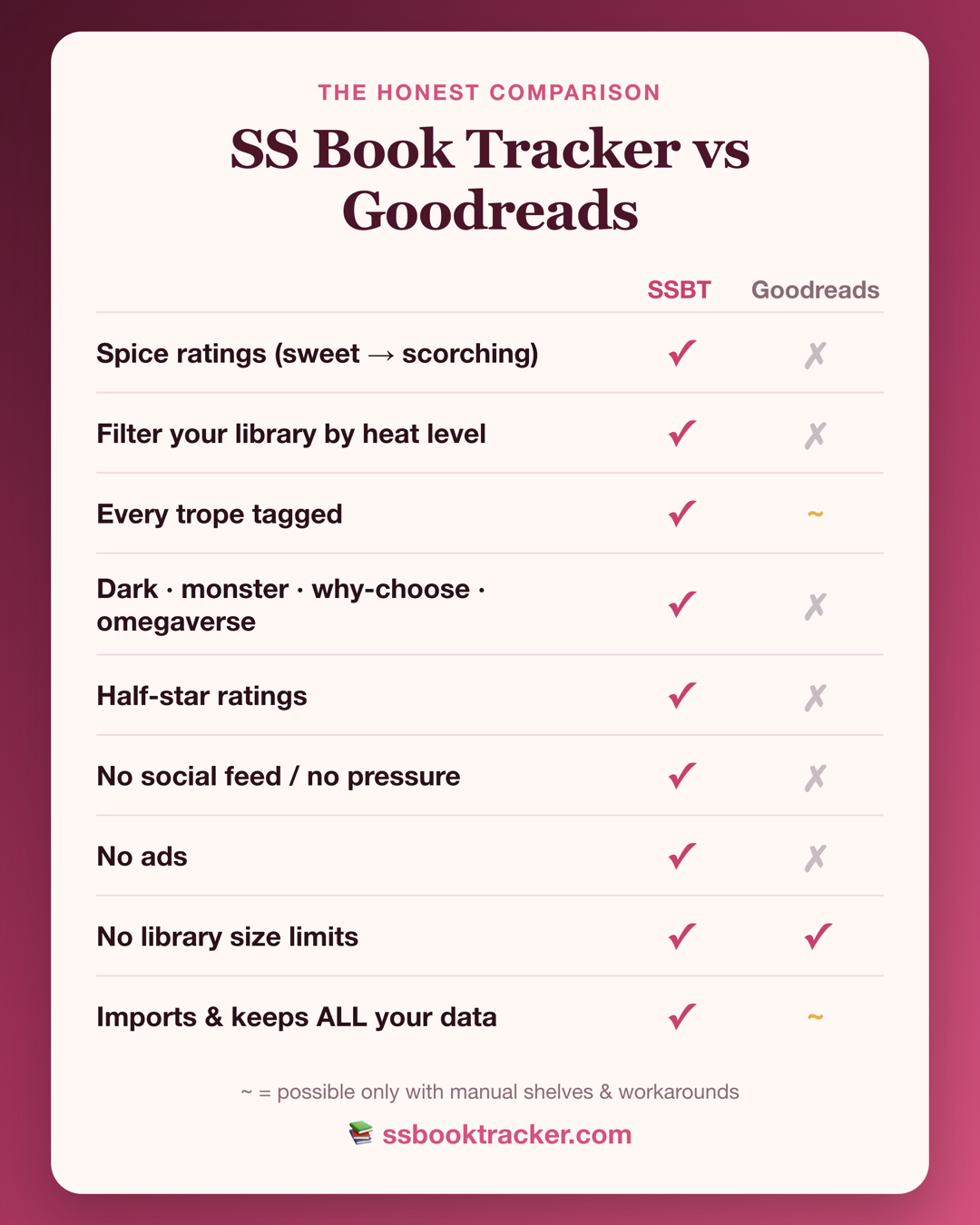
- Spice ratings — chili peppers from 1 to 5, sweet to scorching, and you can filter by them.
- Every trope tagged — including dark romance, monster romance, why-choose, and omegaverse.
- Half-star ratings — a 3.5 is a 3.5.
- No social feed, no ads, no library limits.
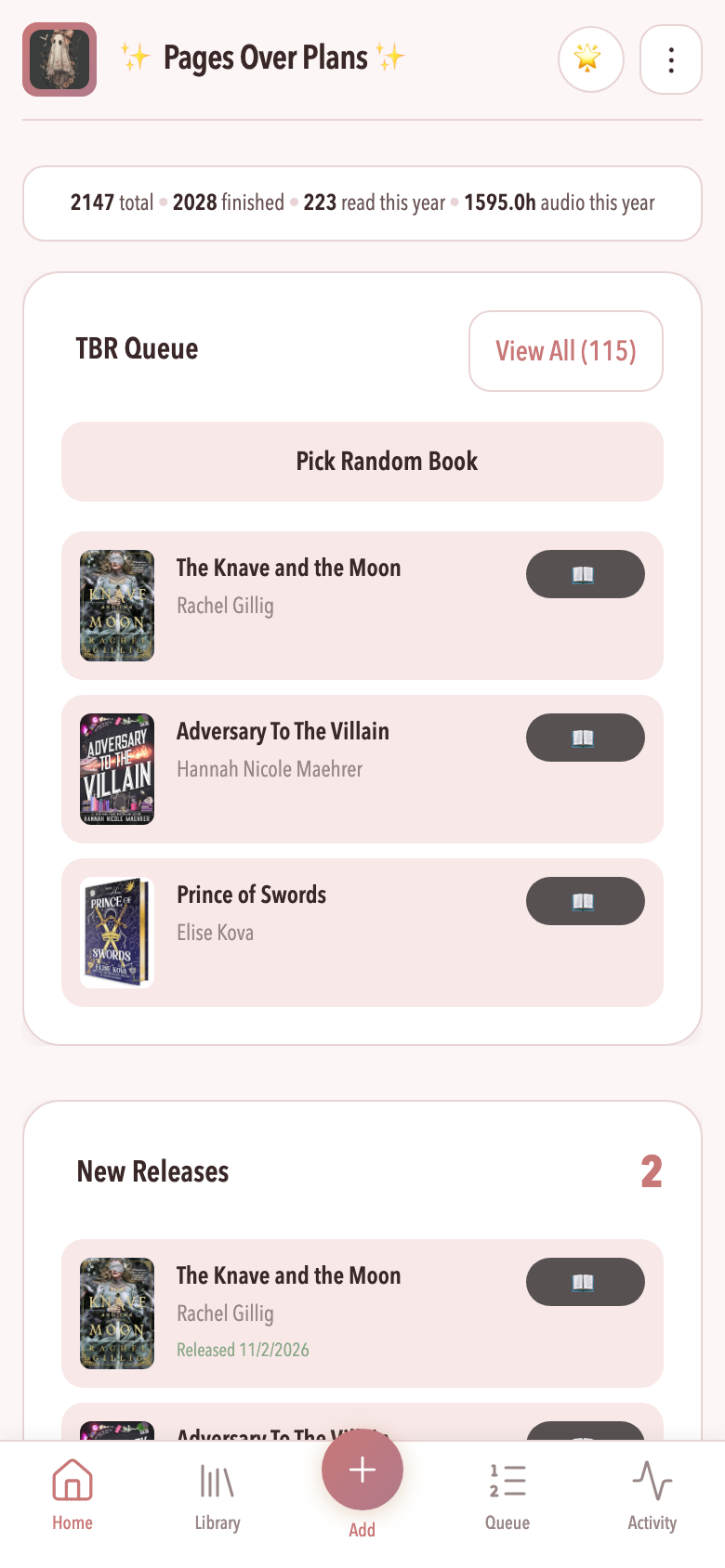
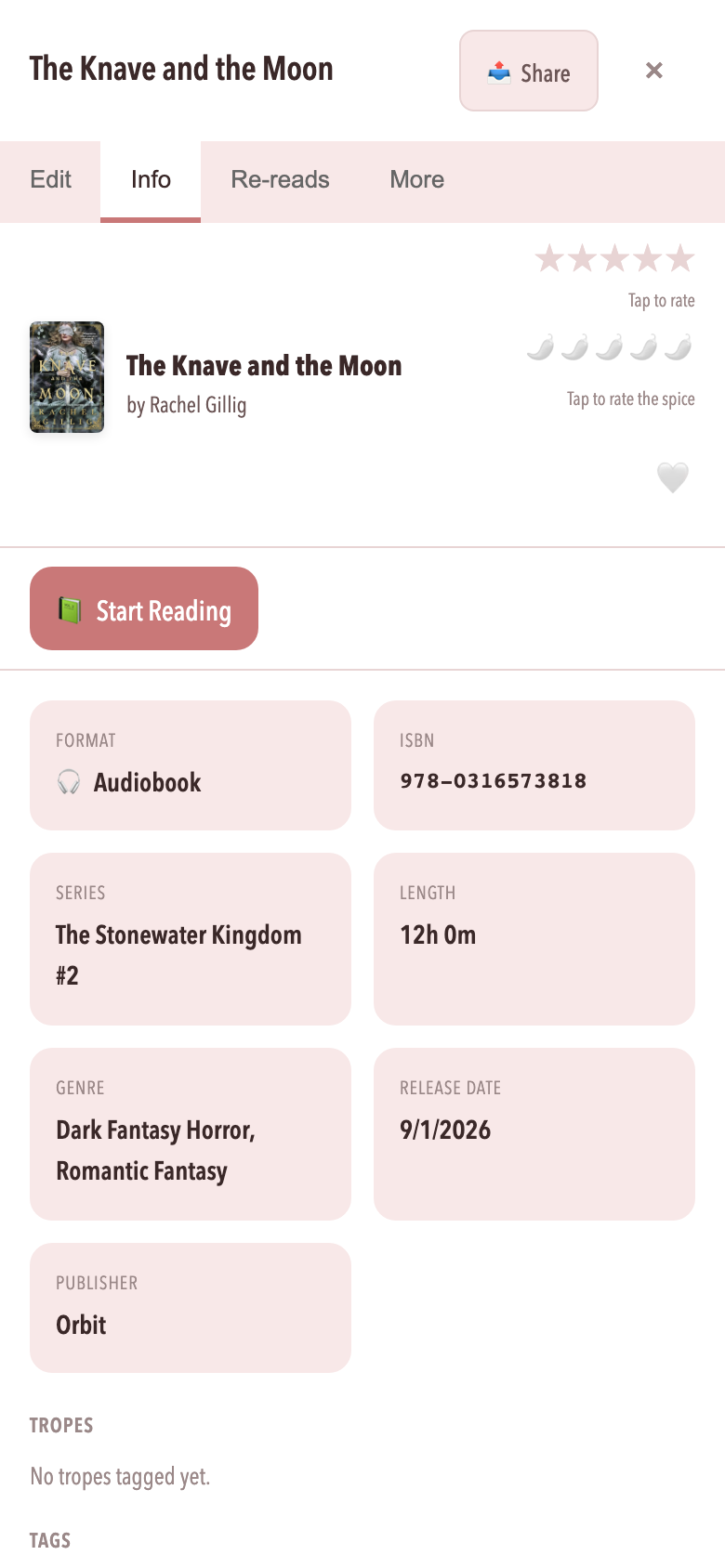
What it actually looks like
Not mockups — the real app. This is my wife's library after the import.
Can I get my data back out of SS Book Tracker?
Yes — and you should be able to ask that of any app you trust with your reading life. In SS Book Tracker, go to Settings → Your Data → Export Library and download your whole library as a CSV. Your data was yours before, and it stays yours.
Frequently asked questions
How do I export my Goodreads library?
On the Goodreads website, go to My Books, choose Import and export in the left sidebar, and click Export Library. Goodreads builds a CSV file and shows a download link when it is ready.
Can I export my StoryGraph library too?
Yes. Click your profile, open Manage Account, scroll to the bottom and click Export StoryGraph Library, then Generate export. StoryGraph emails you the CSV when it is ready.
Can I import a Goodreads or StoryGraph export into SS Book Tracker?
Yes. Upload the CSV and SS Book Tracker imports it — shelves, star ratings, reviews, and read dates come with you. It dedupes and fills in book details as it imports.
Is importing free?
Yes. Import and the core tracker are free, with no library limits. There is an optional Supporter tier at $3.99/month.
Can I export my library out of SS Book Tracker?
Yes. Settings → Your Data → Export Library downloads your whole library as a CSV. Your data stays yours either way.